

Caring for printheads
A printhead usually tells you it is drifting long before a full failure shows up on the media. Good habits around capping, cleaning and storage cut waste, reduce banding and help a head last properly in a busy print room.
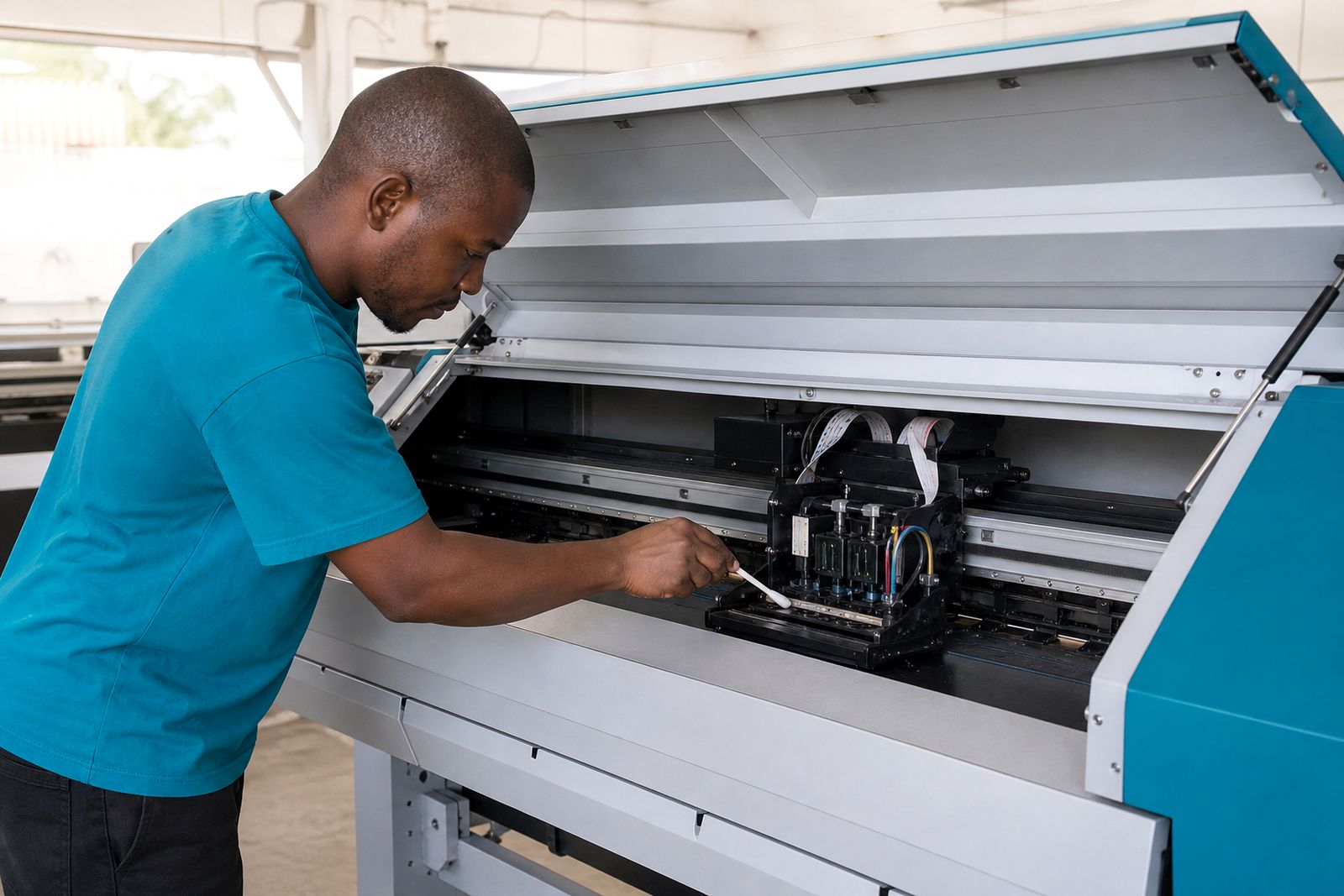
Start each day with a short condition check
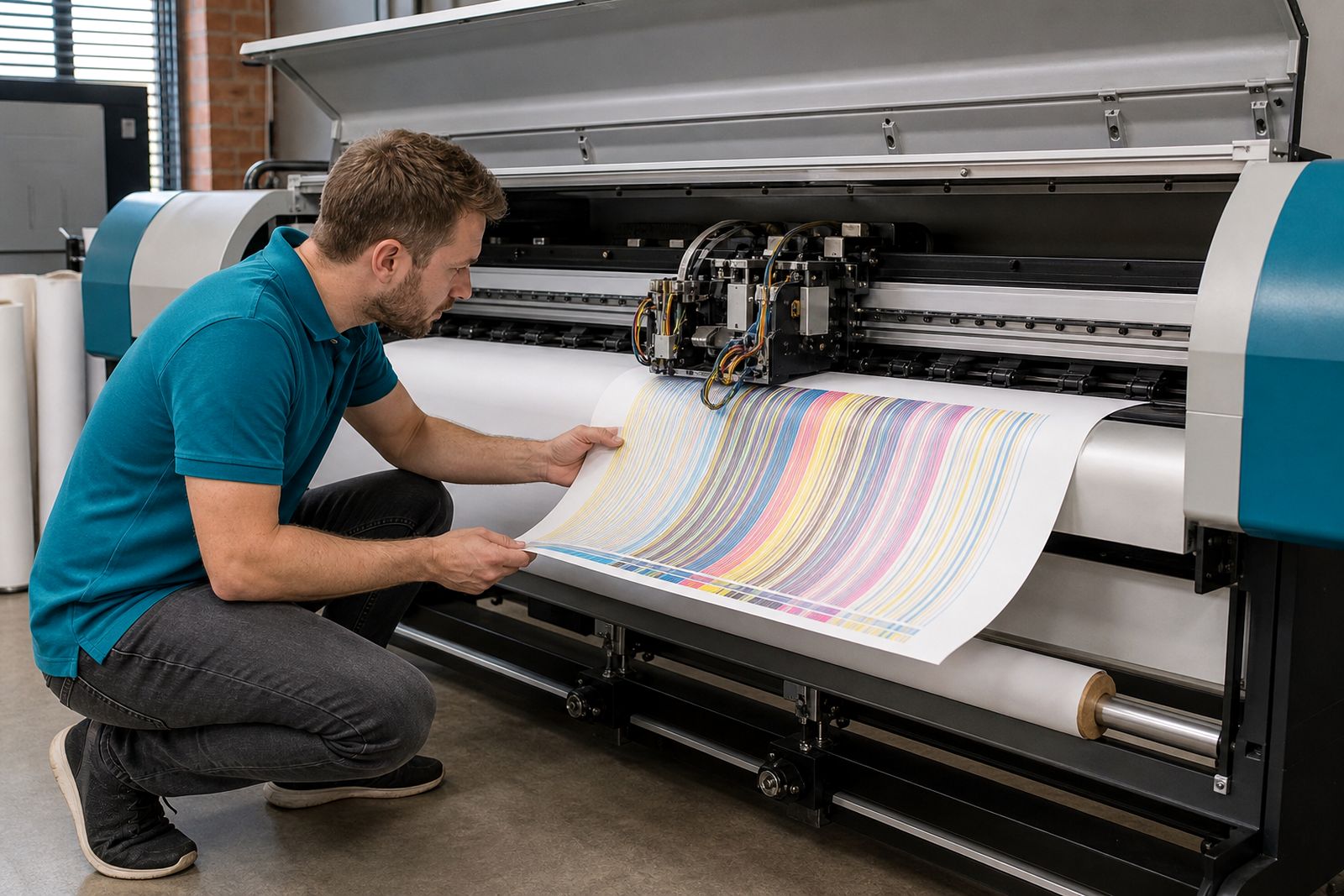
The first few minutes around the machine matter more than most operators think. A head that capped well overnight and starts with a clean nozzle check will usually stay stable through the morning run. If the capping seal dried out, the wiper dragged ink back across the face, or the parking position sat slightly off line, you will often see the problem before the first proper job leaves the platen.
Keep the check consistent. Use the same order each morning so small changes stand out instead of being missed in the rush to load vinyl or banner stock.
- Look for dried ink around the face, manifold area and cap top.
- Check whether the head parked squarely over the cap and sealed evenly.
- Run a nozzle check before long production work.
- Listen for unusual carriage noise or hesitation during initial movement.
- Make sure dampers are filled properly and not pulling air.
- Confirm the wipe path is clean and not carrying lint or cured residue.
If a nozzle check shows a small dropout pattern, do not jump straight to repeated aggressive cleaning. One careful clean and a recheck tells you more than a string of panic cycles that can warm the head and move more debris through it.
Capping is where most head life is either protected or lost
A printhead spends plenty of time parked, so the capping station is not a side issue. It is the part that keeps the nozzle plate from drying, helps hold a stable meniscus and supports recovery after a pause in production. When the cap rubber hardens, the spring pressure drops, or the cap sits slightly low on one corner, nozzles near that edge often go first.
On solvent and eco-solvent setups, dried ink around the cap lip can break the seal even when the cap still looks usable. On UV systems, a little cured splash near the parking area can do the same thing. Water-based heads can be even less forgiving during dry winter air in Johannesburg, where a poor cap seal shows up fast.
- Clean the cap top with the correct maintenance fluid and lint-free swabs.
- Check the cap lip for nicks, flattening and hardened ink build-up.
- Make sure the pump is drawing properly and the drain path is open.
- Inspect the wiper for curled edges, cuts and embedded debris.
- Verify carriage height and park alignment if one side keeps dropping nozzles.
If the machine loses nozzles after every overnight stop but prints acceptably once it has been running for a while, the capping station is often the first place to inspect. Too many shops chase the head itself when the parking hardware is the real cause.
Handle flushing and cleaning with a light touch
More cleaning is not always better care. A head should be cleaned with a clear reason in mind, whether that is recovering a few missing nozzles, clearing contamination after a damper issue, or preparing for storage. Repeated heavy purges can pull settled material through the ink path and create a bigger blockage than the one you started with.
Use only fluid suited to the ink family and head materials in the machine. Mixing fluids casually is one of the easier ways to swell seals, loosen residue into the nozzle plate, or leave a film that changes jetting. Slow, controlled cleaning usually gives a cleaner result than force.
- Start with the least invasive step that fits the fault.
- Use clean swabs and do not press hard on the nozzle face.
- Keep cleaning fluid away from connectors and exposed boards.
- Stop if the symptom changes in a strange way and reassess the cause.
- Record what was done so the next operator does not repeat the same cycle blindly.
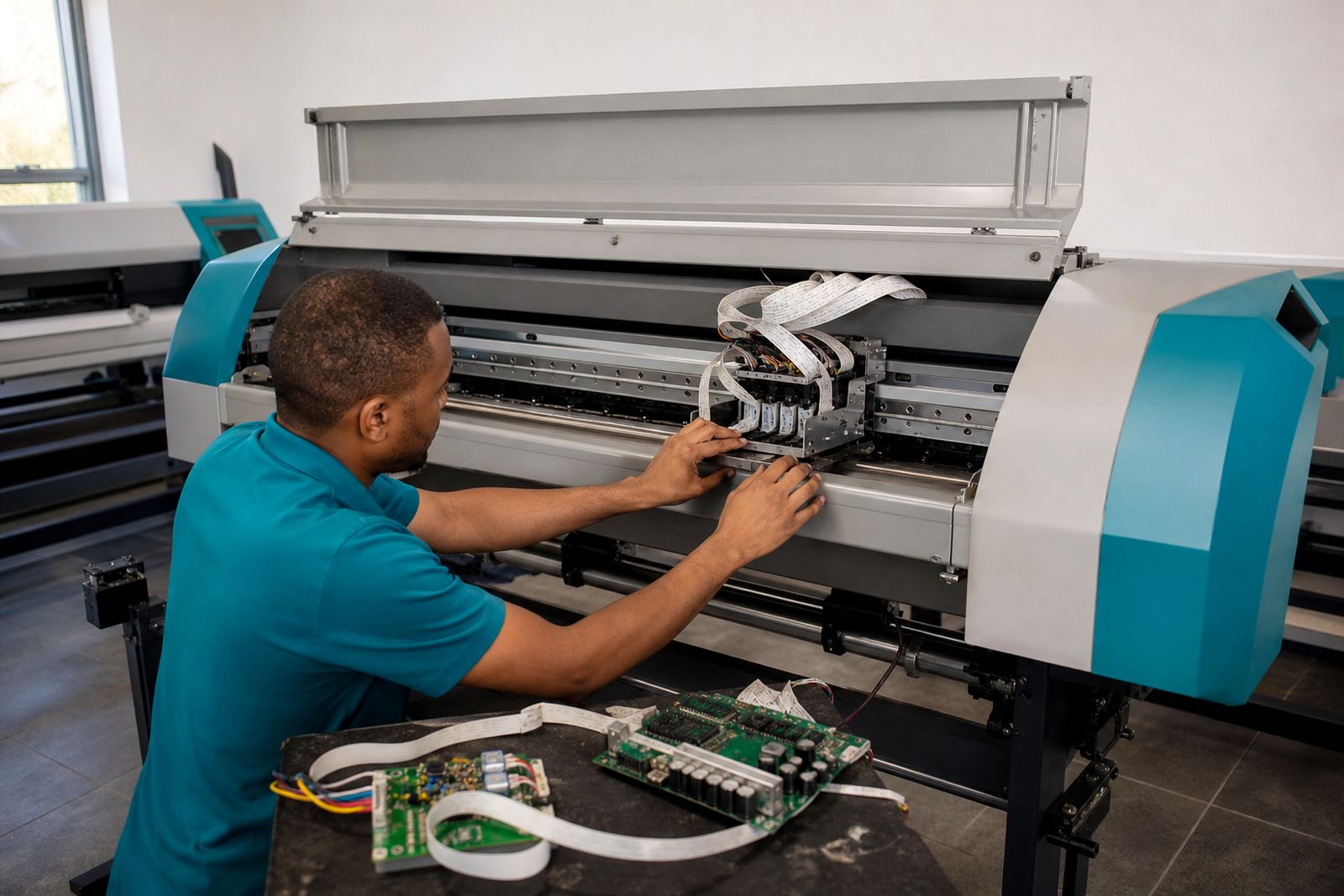
When a head has electrical symptoms, such as channels not firing consistently despite good ink supply, stop treating it like a simple clog. At that stage the issue may sit with a head board, cable or drive condition rather than dried ink alone.
Storage matters when a machine will stand idle
Idle periods are where many good heads are lost. A machine left parked for a long weekend, a quiet holiday stretch or a delayed installation can move from healthy to troublesome without printing a single square metre. The correct storage routine depends on the ink set, the parking arrangement and how long the machine will stand, but the principle stays the same: keep the head stable, sealed and protected from contamination.
Do not leave this to memory. Put a written shutdown routine near the machine so every operator follows the same steps, even on a rushed Friday afternoon.
- Leave the head parked and capped correctly after a final nozzle check.
- Clean the capping area and wiper before shutdown.
- Check room conditions, especially dry air and heat near windows or extraction points.
- Where needed, flush or park with approved storage fluid rather than old ink.
- Cover open media and dust sources near the carriage path.
- On restart, inspect before printing rather than forcing a big cleaning cycle immediately.
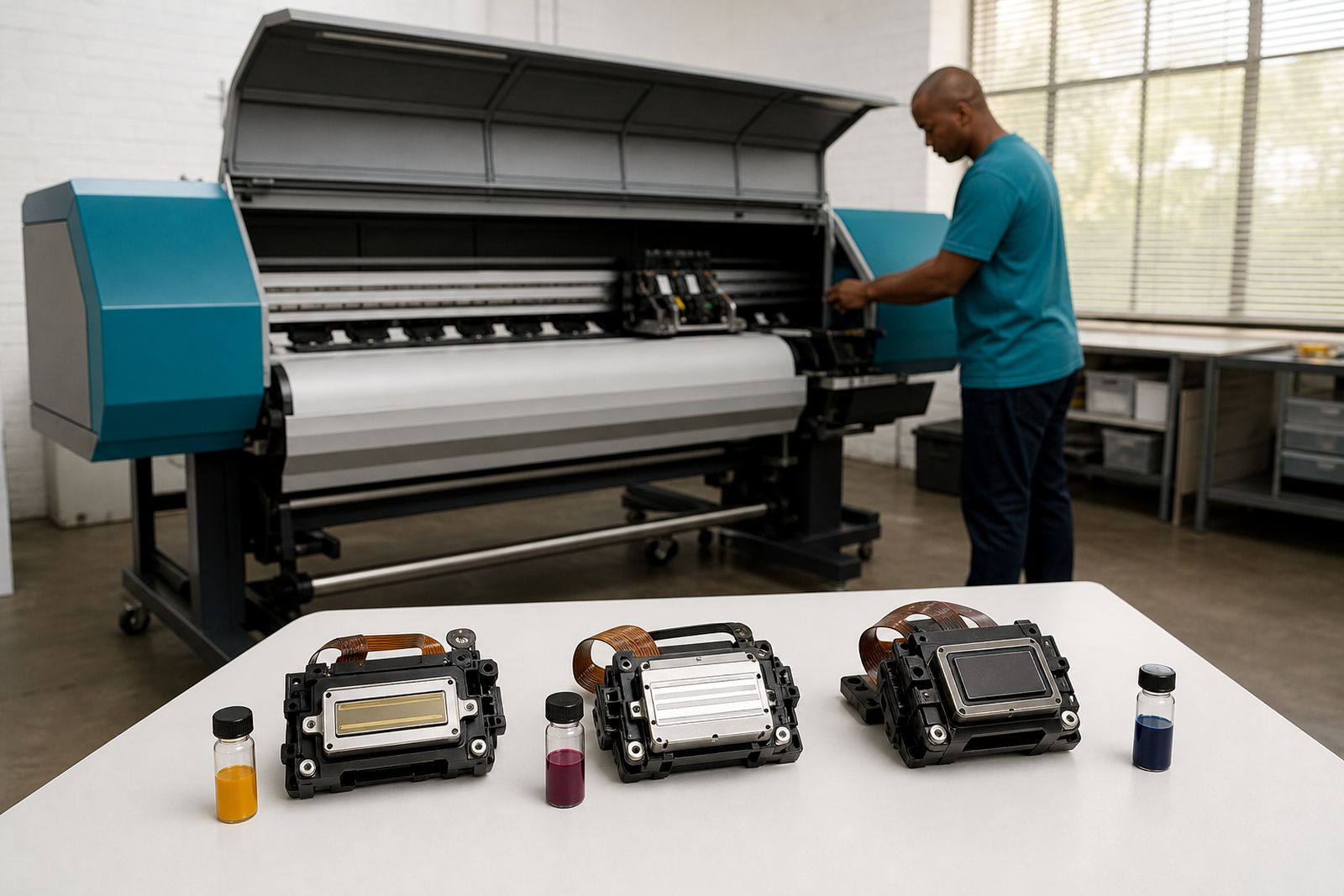
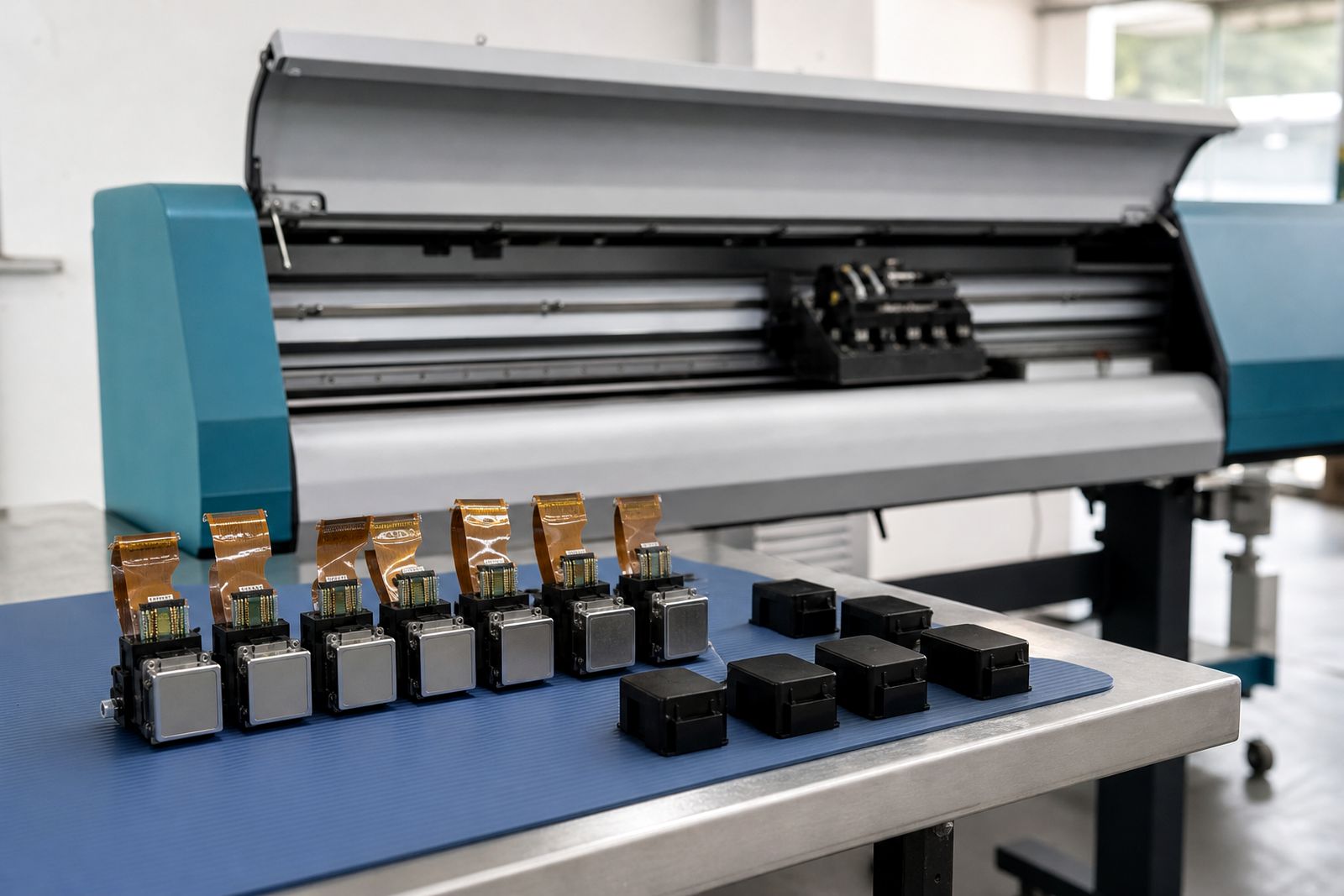
Heads that are removed from a machine need even more care. They should be packed with the proper protective parts, kept clean and upright as required, and never left exposed on a shelf while someone looks for a box later. A short lapse there can turn a usable spare into scrap, thats an expensive mistake.
Match maintenance to the ink family and working environment
Not all heads foul in the same way because not all inks behave the same way. Solvent and eco-solvent systems often show drying at the face and contamination around the cap. UV machines bring the extra risk of cured splash and stray light exposure around the carriage zone. Water-based setups can become sensitive to room humidity, long pauses and bacterial contamination where housekeeping is poor.
Your environment in Randburg may be fairly mild one week and much drier the next. Inland air, heater use and open roller doors can all shift how a head behaves across the day. Sign shops printing banners and vinyl continuously will see a different maintenance pattern from a fine-art room running shorter batches on coated media.
That is why a useful care plan is not copied word for word from another machine. It should match the ink family, the duty cycle, the media dust level and the way the printer actually earns its keep.
Know when routine care is no longer enough
There is a point where daily maintenance stops being the answer. If a head repeatedly loses the same section of nozzles, deflects in one direction after careful cleaning, or shows electrical inconsistency, more wiping and purging will only waste time and ink. At that stage the machine may need a replacement head, a board check, revised alignment or attention to the ink delivery path.
Look at the whole system rather than blaming one part too quickly. Dampers, cap height, negative pressure, carriage cables and contamination around the head face can all mimic a failing head. Good diagnosis saves money because it avoids swapping parts that were never the real problem.
If you need help matching maintenance steps to your machine, or you are deciding whether to flush, fit a new head or inspect the electronics, send the details through our contact form. Include the ink type, the printer application, how the fault shows on a nozzle check and what cleaning has already been tried.
What our Printhead customers say
Verified Google reviews
Questions we get asked
How often should a wide-format printhead be checked?
A quick condition check at the start of each production day is sensible, with extra checks after long idle periods, media strikes or visible banding. The key is consistency so you can spot a change early.
Can I use one cleaning fluid for every printhead?
No. Cleaning and storage fluids need to suit the ink family and the materials used in the head and ink path. Using the wrong fluid can cause swelling, residue or poor jetting.
What details help when asking for printhead care advice?
Send the ink type, printer application, symptoms on the nozzle check, any recent part changes, and the maintenance steps already tried through our contact form. That gives a clearer starting point than a photo on its own.
Also worth a look
Tell us about the job
Send sizes, materials and where you are through our contact form, and we will come back with the practical options.
Open the contact form